2 Player Online Games
Pick a game, split the keyboard and play a friend right here in your browser. Free, no download, no account.
What are 2 player online games?
2 player online games are browser games made for two people at the same time. Every game on this site is a same-device game: two players share one computer (or one phone or tablet), and each player takes their own part of the keyboard or their own turn. Open a game, press Play, and the first round starts in seconds. There is nothing to install and nobody needs an account.
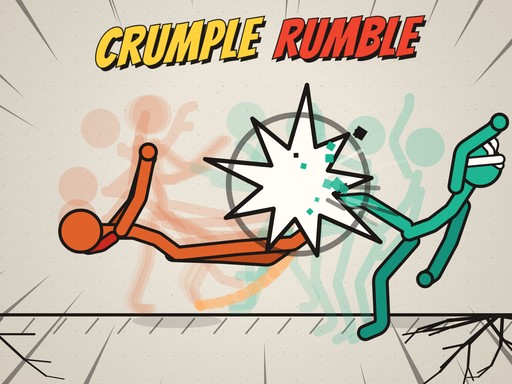
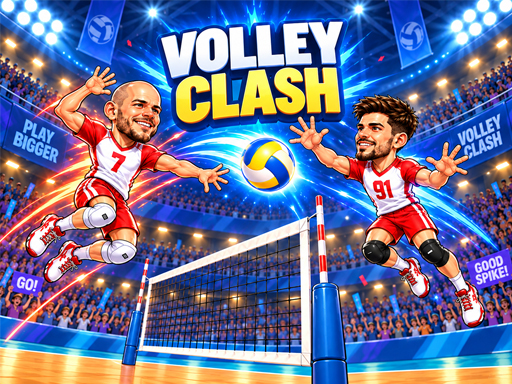
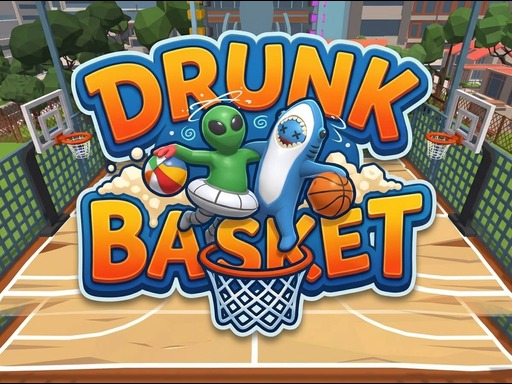
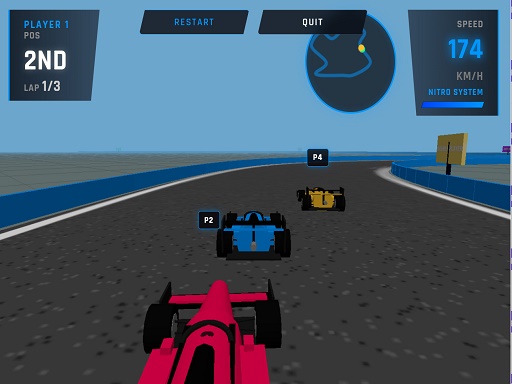
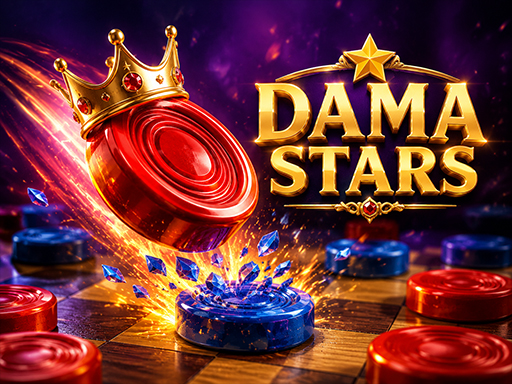
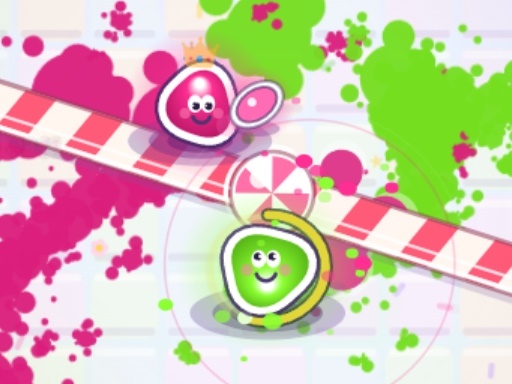
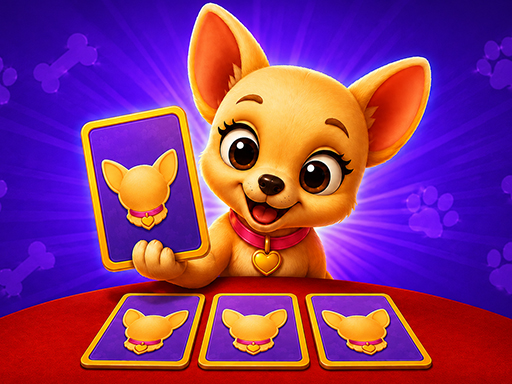
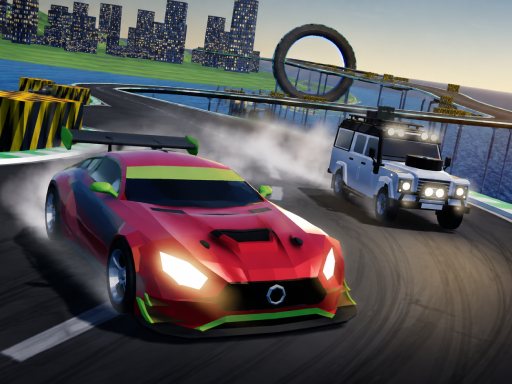
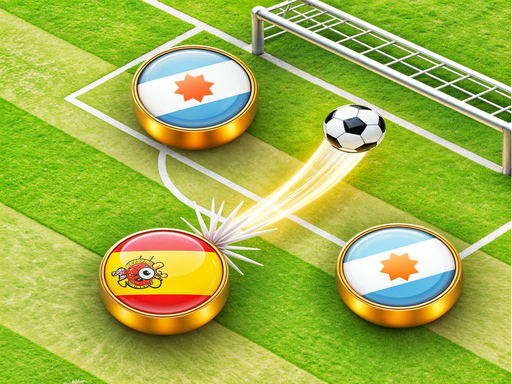
The collection covers the kinds of two player games people look for most: a stickman fighting game in Crumple Rumble, sports duels like Volley Clash, Drunk Basket and Finger Soccer, racing in 3D Formula Racing: Pro Edition (split screen) and Mega Ramp Stunt Racing 3D, calm turn-based games like Dama Stars and Mischievous Pairs, and a 90-second paint battle in Splatcha!.
All of these games also have a single player mode, which is handy for practice before a rematch, and all of them can be played on a phone or tablet with touch controls. Each game page lists the exact keys for both players, so you can check the controls before you start.
How to play 2 player games on one keyboard
Two people, one keyboard: the setup takes a few seconds once you know who uses which keys.
Pick a game from the grid
Each card opens the game's own page with the Play button at the top, the controls for both players and a few answers about that game.
Press Play and wait for the loader
The game loads in the same spot on the page. A short ad may play before some games start.
Choose the 2 player mode
Most of these games open on a menu: pick the two player, versus or local multiplayer option before you start.
Split the keyboard
In most of these games Player 1 uses W, A, S, D on the left and Player 2 uses the arrow keys on the right. Turn-based games like Dama Stars and Mischievous Pairs simply pass the mouse back and forth.
Click the game once and go fullscreen
If the keys do not respond, click inside the game area so it has focus. The Fullscreen button under every game gives both players a bigger view; press Esc to leave it.
Controls at a glance
| Game | Player 1 | Player 2 |
|---|---|---|
| Crumple Rumble | A D W S, F G H, L-Shift | Arrows, K L, R-Shift |
| Volley Clash | A D move, W jump, Space hit | Arrows, Enter hit |
| Drunk Basket | Hold W | Hold Up arrow |
| 3D Formula Racing: Pro Edition | WASD, L-Shift nitro | Arrows, Enter nitro |
| Dama Stars | Mouse, take turns | Mouse, take turns |
| Splatcha! | WASD, Space dash | Arrows, 0 or Enter dash |
| Mischievous Pairs | Mouse or tap, take turns | Mouse or tap, take turns |
| Mega Ramp Stunt Racing 3D | WASD | Arrows |
| Finger Soccer | Drag & flick (mouse or touch) | Drag & flick, same screen |
2 Player Online Games FAQ
Are these 2 player online games free?
Yes. Every game on this site is free to play in your browser. There is no payment, no download and no sign-up. The games are supported by short ads that may appear before or between rounds.
Can two people play on one computer?
Yes, that is how every game here works. Player 1 usually takes W, A, S, D and Player 2 takes the arrow keys. Dama Stars and Mischievous Pairs are played in turns with the mouse, and Finger Soccer uses drag-and-flick on a shared screen.
Can I play with a friend on a different computer?
Not with the games listed here. They are local same-device games, so both players need to be at the same computer, phone or tablet. None of them has online matchmaking between two separate devices.
Can I play alone?
Yes. Every game here also has a single player mode, usually against a computer opponent.
Do these games work on a phone or tablet?
Yes. All of them have touch controls. For two people on one phone or tablet, turn-based and drag-and-flick games like Dama Stars, Mischievous Pairs and Finger Soccer work best; fast action games are easier with a keyboard.
Which game is best for two players?
It depends on what you like: Crumple Rumble for fighting, Volley Clash or Drunk Basket for sports, 3D Formula Racing: Pro Edition for split-screen racing, Splatcha! for a quick 90-second battle, and Dama Stars for a calm board game.
A game does not load. What should I do?
Refresh the page and press Play again. If the game area stays empty, an ad blocker or a school or office network may be blocking the game server. Allow this site in your blocker or try another network.